
I’ve just released a new free plugin on WordPress.org, and I’m pretty excited about it: Jamie’s Visual HTML Editor.
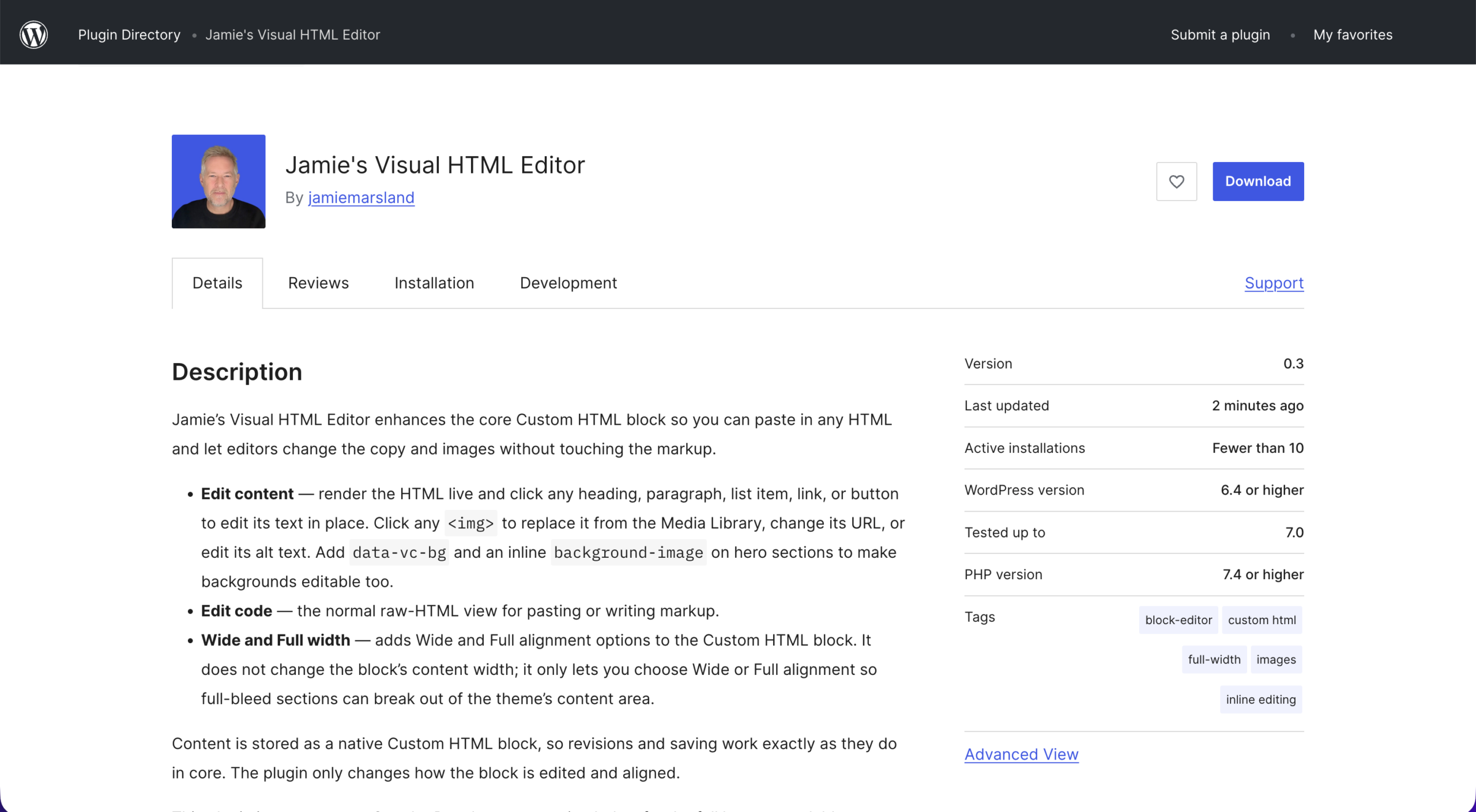
If you’ve ever pasted a chunk of HTML into the WordPress Custom HTML block, you know the pain. The markup just sits there as raw code, and the only way to change a headline or swap an image is to dig through the tags and hope you don’t break anything. That’s exactly the problem this plugin solves.
What it does
The plugin supercharges the core Custom HTML block so you can edit it visually:
- Edit content — render the HTML live and click any heading, paragraph, list item, link, or button to change the text right in place. Click an image to replace it from the Media Library, paste a new URL, or edit its alt text. You can even make hero background images editable.
- Edit code — the normal raw-HTML view is still there whenever you want to paste or tweak markup directly.
- Wide and Full width — adds Wide and Full alignment options to the Custom HTML block so full-bleed sections can break out of your theme’s content area.
Everything is stored as a standard Custom HTML block, so revisions and saving work exactly as they do in core. The plugin only changes how the block is edited and aligned — nothing weird happening under the hood.
Why I built it
This came out of a workflow I’ve been experimenting with: using AI to generate page layouts as HTML, then dropping them straight into WordPress. The trouble was always the editing afterwards. This plugin closes that gap, letting you take AI-generated (or hand-written) HTML and edit it like any other content.
If you want to see that full workflow in action, I wrote a step-by-step tutorial on it here: Using ChatGPT as a WordPress page builder.
Try it
The plugin is free and available now in the WordPress.org directory:
👉 Get Jamie’s Visual HTML Editor
Give it a go, and let me know what you think.
Leave a Reply