
I’ve been working with folks on making site editing in WordPress easier. The best way to find out what’s hard is to watch real people try it.
So I built a new app for user testing WordPress. It works with any plugin, theme or site. Every tester gets their own real WordPress, running right in their browser with WordPress Playground. And the app itself runs on Spacefast.
It’s live now: playground-usertest.view.fast
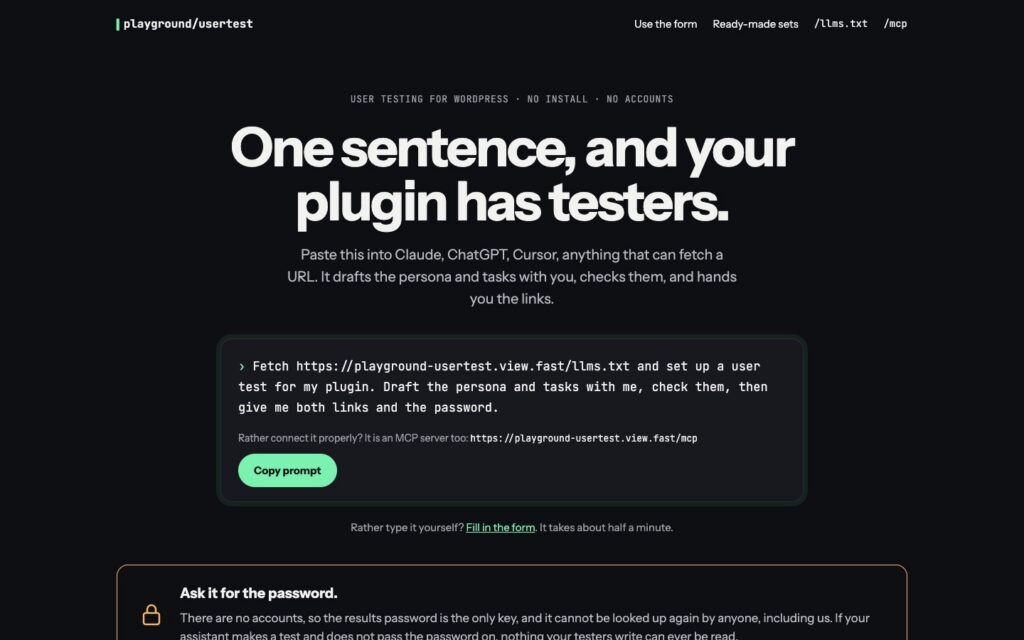
How it works
You send someone a link. They get a real WordPress site in their browser, with a card in the corner listing a few things to try. They press Done or Couldn’t do it, and type a note if they like. You read what happened on a results page.
There are two ways to make a test. Paste one sentence into Claude, ChatGPT or Cursor and it sets the test up with you. Or fill in the form, which takes about half a minute.
A test is three things: who the tester should pretend to be, five to seven things to try, and the blueprint you already use to demo your plugin.
You get back a link for testers, a link for results, and a password.
What the tester sees
The tester link opens a short intro: who they are while they try it, and how it goes.
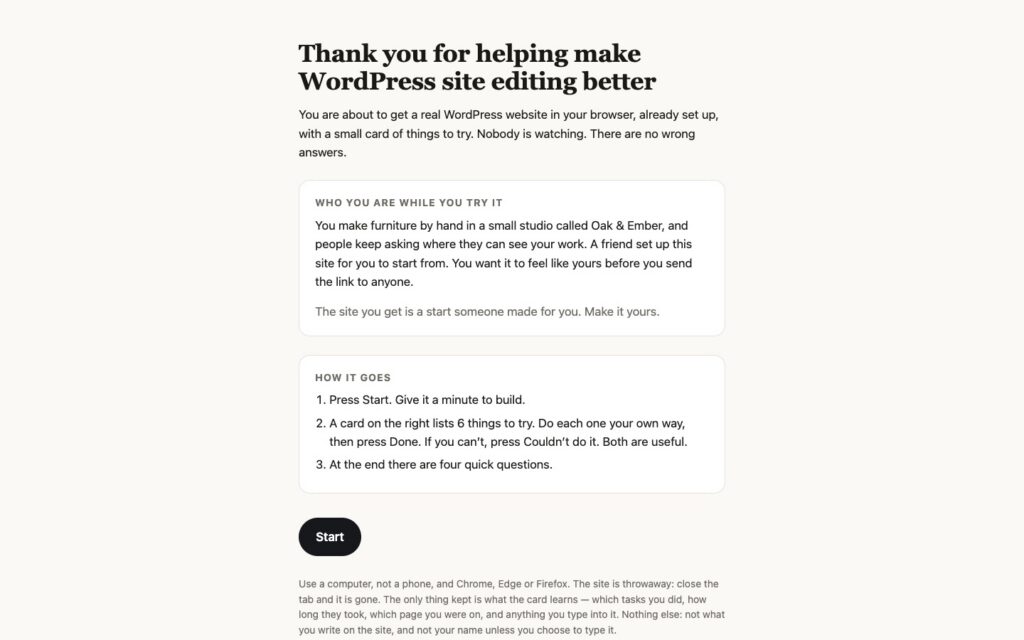
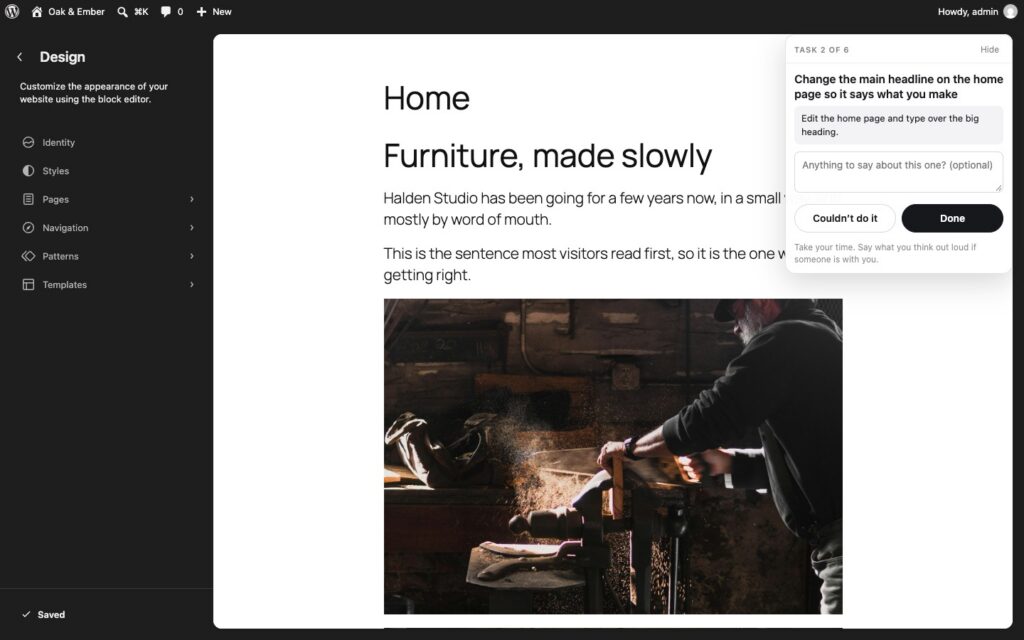
When they press Start, WordPress Playground builds a throwaway site in their browser. Nothing to install, no account. Here’s a test on a simple starter site, with the card on the right.
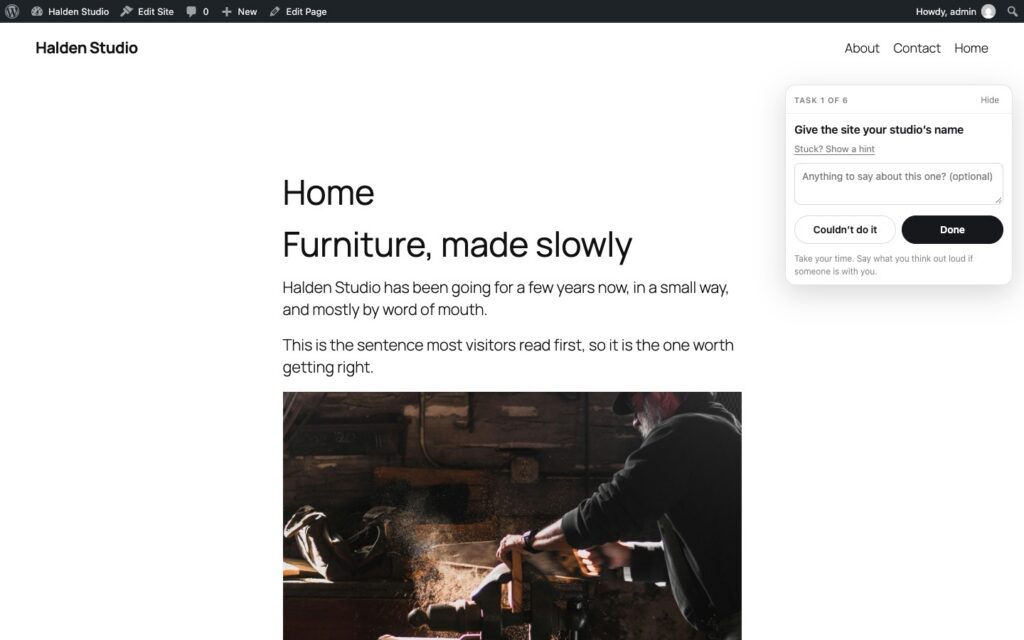
Each task has a hint, but the tester has to ask for it. That’s how you learn who needed it.
At the end there are four quick questions.
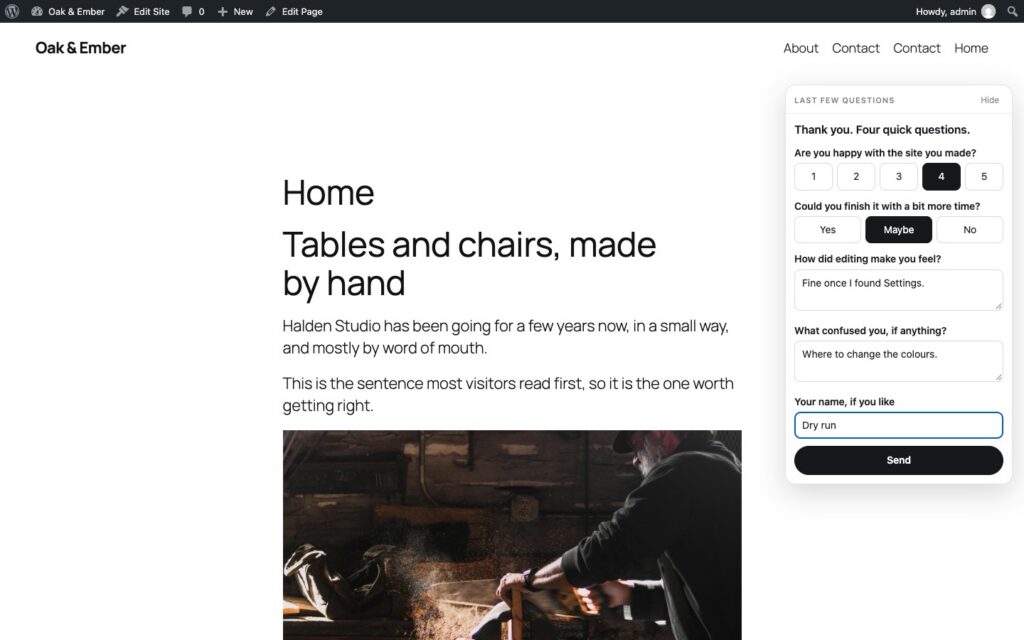
What you read back
The results page shows each tester, every task, how long it took, whether they opened the hint, and their notes.
It also checks the site itself. If someone says they changed the site name, it looks to see whether the name changed.
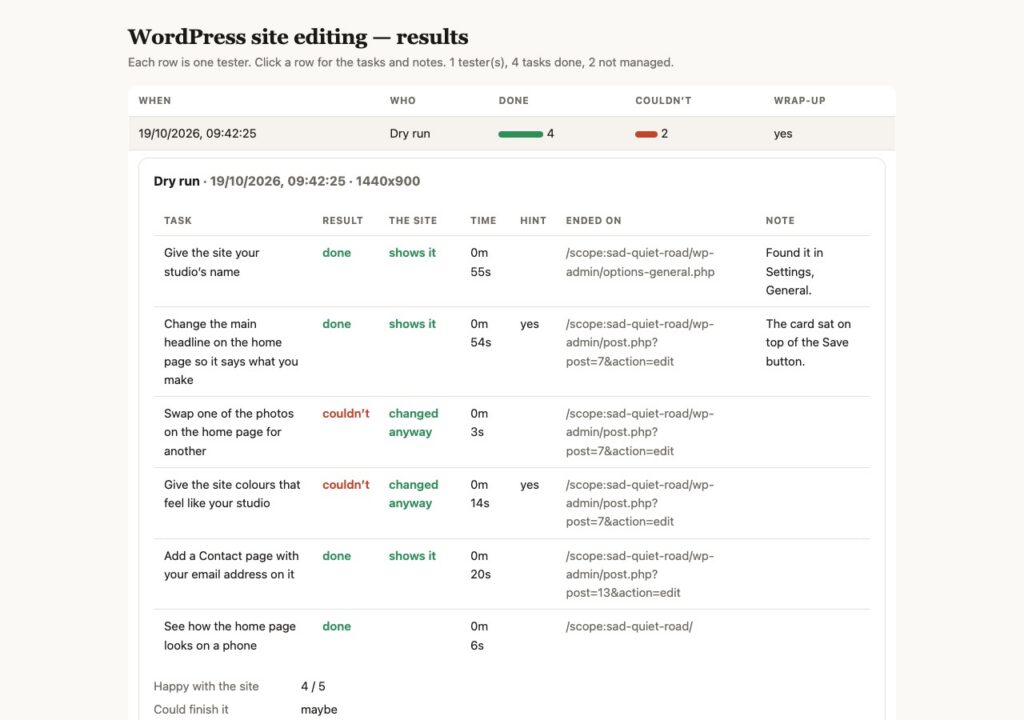
Let your assistant read the results
Reading a pile of results is a good job for Claude or ChatGPT.
The results page has a Copy prompt button. It copies a question with every tester’s results attached: where people got stuck, which hints they needed, what they said, and the three changes that would help most. Paste it into your assistant and you get a short list of what to fix first.
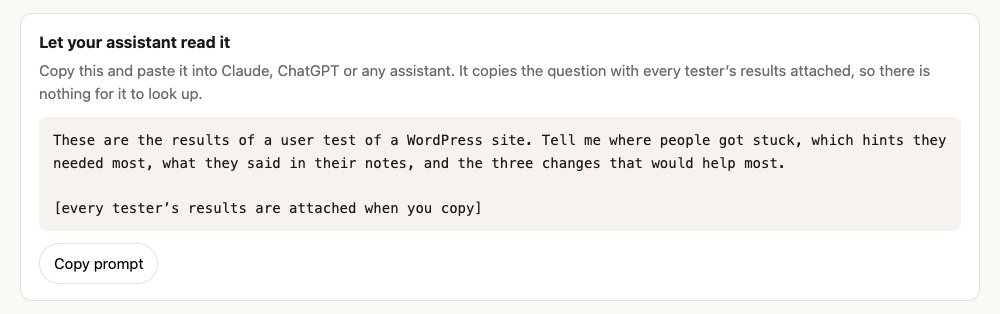
Your password stays on the page. Only the results go to your assistant.
Powered by WordPress Playground
Playground is what makes this work, and it’s one of the coolest things in WordPress right now.
It runs the whole of WordPress, PHP and database included, inside a browser tab. There’s no server behind each tester and no test site for you to host. Each tester gets a fresh site, set up exactly the same way from your blueprint, in about a minute. Close the tab and it’s gone.
So you can send the link to anyone, anywhere, and they’re testing on real WordPress a minute later.
Built on Spacefast
Spacefast turns a folder into a live site. For this app, the folder holds two files: the app and a small config file. The config asks for a database, and the space comes with one. That’s where the tests and results live.
There’s no server for me to look after. I publish with one command and it’s live.
A few extras
- Ready-made sets of tasks for the tests most people run: make it yours, pages and the menu, write a post, brand the site, build a page from scratch, set up a shop.
- Compare two or three versions with one link. Testers are shared out evenly and the results come back side by side.
- Get a message in Slack or Discord each time someone finishes.
- It works with AI assistants. It’s an MCP server too, and it checks your tasks for the two mistakes that quietly ruin a test: a task that names the button, and a persona named after the demo site.
Try it
No accounts and nothing to install: playground-usertest.view.fast
If you make a test, I’d love to hear how it goes. 😄
Leave a Reply