
Last year, as an experiment, I built my personal site, jamiemarsland.com, using Lovable. It was quick to build, looked good and was technically a WordPress site. Sort of.
Lovable built the front end as a React app. The content came from WordPress over the REST API: my photo journal from one WordPress site, my writings from Pootlepress. A proper headless setup.
It worked. But it had the usual headless problem. The content lived in WordPress, but the site didn’t. If I wanted to change a page heading, a caption or a homepage image, I wasn’t opening WordPress. I was opening a prompt box and hoping.
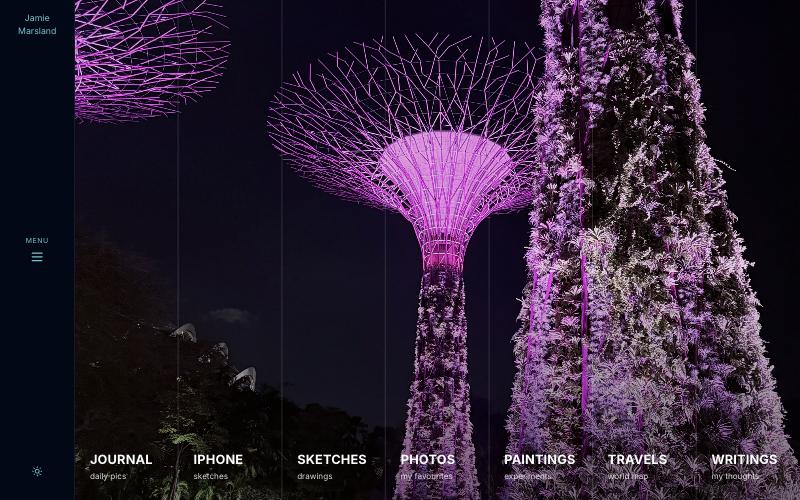
So yesterday I moved the whole thing into WordPress on Spacefast. Same design, same pages, same URLs. Here it is: https://jamiemarsland-wp.space.fast/
Why Spacefast
Spacefast is Automattic’s new home for what you and your agents make. You can publish static sites, apps and artifacts. The part I didn’t know is that every Space has a WordPress behind it.
That changed the whole project. I didn’t need to find hosting, install WordPress or set up a server. The WordPress was already there. I just needed to put my site into it.
The simplest way I found
1. Keep the HTML. Don’t rebuild the design in blocks. Each page is one Custom HTML block containing the markup from the Lovable build. The design survived the move intact.
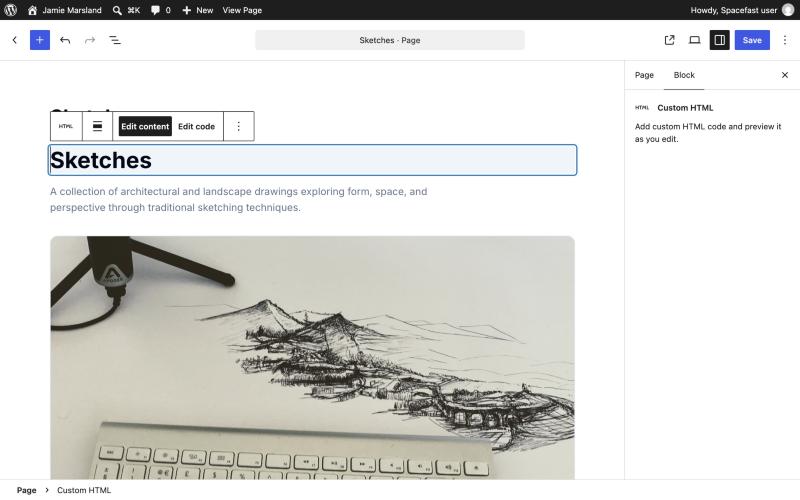
2. Make that HTML editable. I use my own plugin, Jamie’s Visual HTML Editor. It adds an “Edit content” mode to the Custom HTML block, so you click text to change it and click an image to swap it from the Media Library. The structure and styles stay as they were.
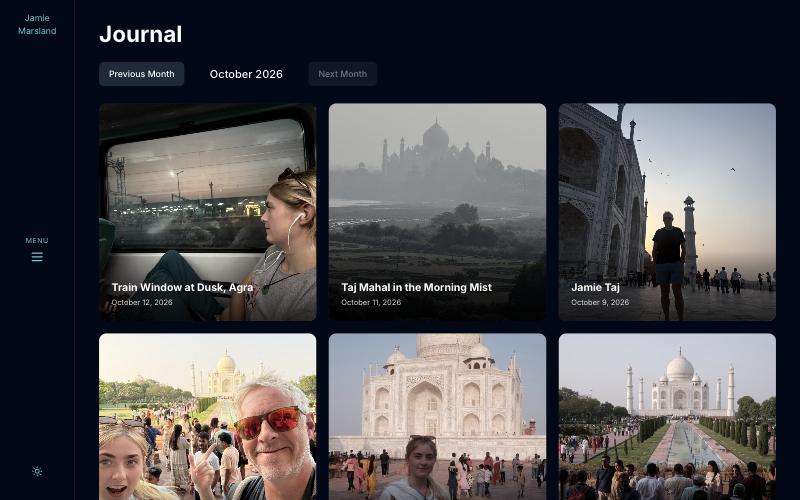
3. Turn the feeds into posts. In the headless version, the journal and writings were pulled in from other sites. Now they’re just posts in two categories, “Journal” and “Writings”. To add a photo to the journal, you publish a post.
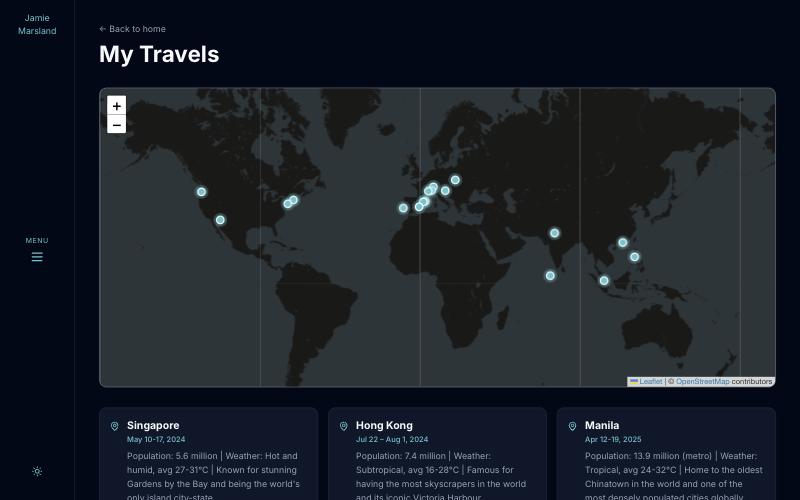
4. Add a small theme. A stylesheet lifted almost straight from the Lovable build, a header, a page template, a post template, and a little JavaScript for the menu, dark mode and the travel map. The menu is just the site’s pages in order, so adding a page adds it to the menu.
5. Keep the URLs. My writings lived at /writings/post-name. One permalink setting and WordPress uses the same pattern.
Two ways to edit
This is my favourite bit. Spacefast gives you a simple content dashboard for everyday changes: posts, pages and media, with none of the clutter.
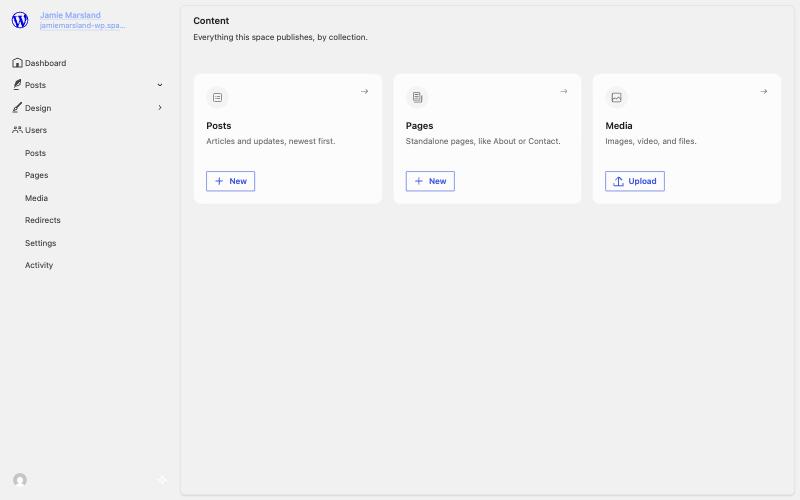
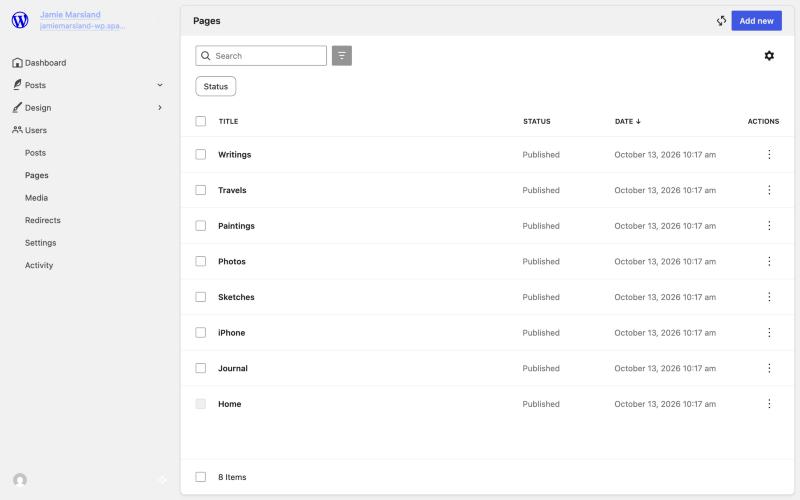
And when you need the full thing (plugins, themes, the block editor), the complete wp-admin is still there.
So it’s simple when you want simple, and the whole of WordPress when you don’t.
Conclusion
AI tools are brilliant at getting you to version one. Headless gets you a fast, good-looking front end.
But at some point you want to change a caption without writing a prompt. You want your content and your site in one place. You want to hand it to someone else and have them know what to do.
That place is still WordPress. And with Spacefast, getting there was a lot simpler than I expected. Have a look: https://jamiemarsland-wp.space.fast/
Leave a Reply