
A simple text change on a WordPress site shouldn’t need training, access to wp-admin, or the risk of breaking the design.
So I built a free plugin that lets non-technical teams and clients edit content directly on the front end.
Click the text. Change it. Save.
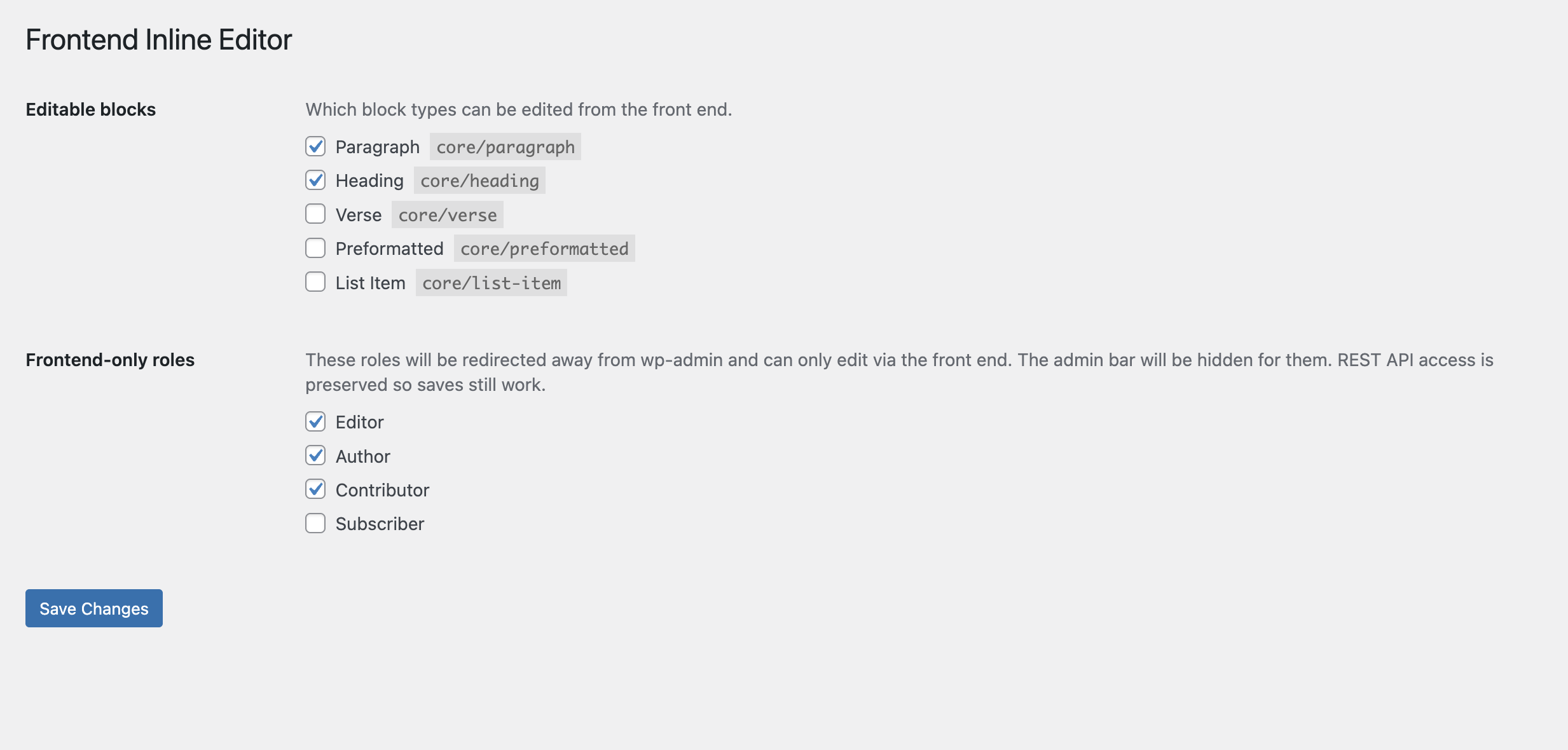
The plugin also gives site owners control over how it works. In settings, you can choose which block types are editable from the front end, and which user roles should be limited to front-end editing only.
That means editors, authors, contributors, or client accounts can update content without ever needing access to the WordPress backend.
Who this is for
Non-technical clients
Make simple content changes without learning WordPress or worrying about breaking the site.
Agencies
Hand over a finished site with confidence. Clients can update content safely, while you keep control of layout and structure.
Marketing and content teams
Update headlines, copy, and calls to action quickly, without relying on developers.
Enterprises
Protect brand design and page structure, while still giving teams a simple way to keep content up to date.
Why I built it
I wanted a one-click way for this to work.
Set up the site as normal in WordPress, decide what can be edited, decide which roles should stay out of the backend, and then let people update the content directly on the page.
No training.
No digging around in wp-admin.
No accidental design changes.
How it works in practice
You build the site in the block editor.
Then, from the plugin settings, you decide:
which blocks can be edited from the front end
which roles can edit without backend access
From there, your team or your clients can make text changes right on the live page, while the design stays protected.
A better handoff
This is especially useful for agencies and anyone handing over sites to non-technical users.
Instead of saying, “Here’s WordPress, try not to break anything,” you can give people a much simpler experience:
edit the words you need, on the page you’re looking at, without touching the backend at all.


Leave a Reply