
Meta slider is a very popular free Slider plugin for WordPress, and here’s a simple tweak that will enable you to have full width sliders when used with our free Pootle Page Builder plugin.
Step 1 – Add the following css to your custom css
Add the following CSS to your child theme. If you are not using a child theme then use the site origin css plugin to add custom css.
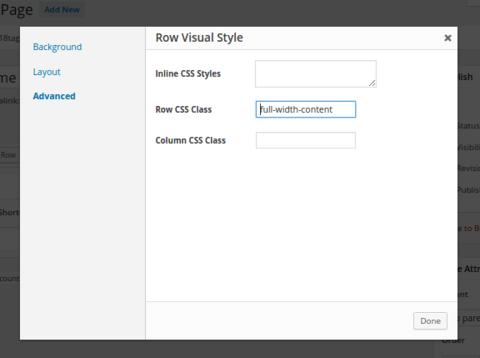
Step 2 – Add the full width content class to the Pootle Page Builder row
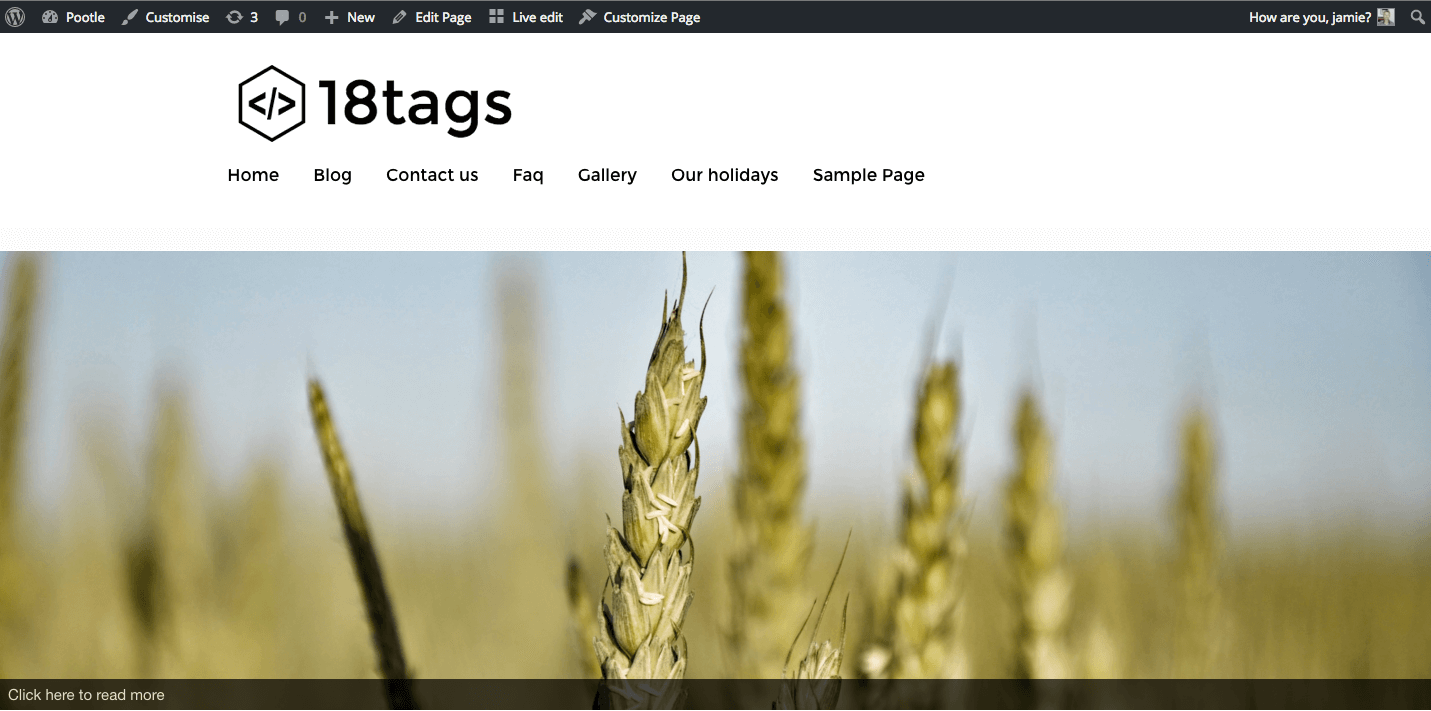
Step 3 – Now you’ll have full width sliders
Make sure you’ve set the slider width and height, and you’ll have lovely full width sliders
Comments
7 responses to “How to get full width sliders when using Meta slider and Pootle Page builder”
Still not full width on WooThemes Storefront. Any help on this?
My bad, I forgot to enable full width on the row settings. It all works! Thanks!
Is there a possibility that the latest Pootle Page Builder Update broke this? I’m having this issue on a dev site http://77.104.144.27/~borkhol2/sample-page/
Having the same issue! It was working until I updated today! Help please!
Hi,
We are working on a fix for this –
Jamie
I feel a bit stupid, but where should I put this code? I have storefront pro, and the pottle page builder installed
I managed with the Custom CSS plugin. but I cannot control the slider… There are no buttons for the client to press forward or backwards.